
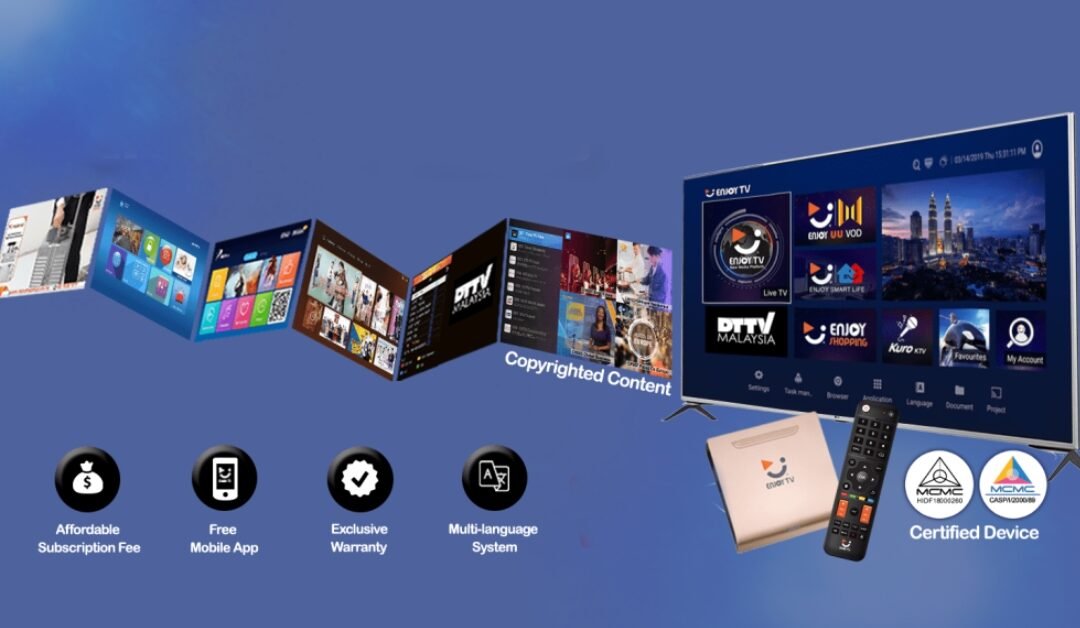
Are IPTV boxes legal in the UK? The hardware itself can be used legally. What matters is the content you access and whether the service has permission to supply it. A streaming box is a way to watch internet content on a television; buying one does not automatically include rights to subscription channels.
IPTV Boxes: Hardware and Content Are Different
An IPTV box connects a television to online apps and services. The same type of device may be used for authorised streaming or for unauthorised content. Its appearance, brand or connection method does not establish the status of every service installed on it.
The UK government’s guidance on illicit streaming devices explains that devices can be used for legitimate content, while software or modifications that provide illicit streams create a different legal issue. Check the service as well as the equipment.
Paying for an IPTV Box Is Not Proof of Content Rights
A seller may charge for a box, an app, installation help or an ongoing subscription. These are separate purchases. A receipt for hardware does not show that premium television channels are included through an authorised agreement.
Before you order, ask the seller exactly what the price covers. Request the name of the streaming service and its official website. Check whether the service itself confirms that the seller is a partner or distributor. Keep those details with your order information.
Five Useful Checks Before Buying IPTV Boxes
- Identify the supplier. Look for a clear business name, working contact details and written product information.
- Separate the costs. Ask which charges cover hardware, app access, subscription content and optional support.
- Check the viewing service. Verify the service through its own official information, rather than relying only on a seller’s screenshots.
- Check compatibility. Confirm the exact box model, software version and apps supported by the provider.
- Read the terms. Review returns, cancellations, renewal charges and what happens if support or the service ends.
Save a copy of the product description before paying. A useful description should explain what is included in plain language. If answers are vague or keep changing, pause the purchase until you have enough information to make a decision.
What About “Fully Loaded” IPTV Boxes?
Marketing labels do not prove that a service is authorised. Ask which apps are installed and which subscriptions, if any, are supplied. Confirm whether you need to create your own account directly with a broadcaster or streaming provider.
The Intellectual Property Office’s piracy guidance highlights copyright, security and consumer risks associated with unauthorised streaming sources. A promise of large amounts of premium content should be checked carefully against the named provider’s official offering.
Using a Box You Already Own
Start by listing the apps installed on the device and the accounts you use with them. Find the official support page for each service. If you cannot identify an app or its supplier, get help from the device maker or a trusted support professional before entering payment information.
Update the device through its supported update process. Remove software you do not recognise or no longer use, and install applications from sources recommended by the relevant provider. Keep your account details private and use the provider’s official password-reset process when needed.
Common Questions About IPTV Boxes
Does IPTV always mean illegal television?
No. IPTV is a method of delivering television over an internet connection. The rights to the programmes and the way the service supplies them are the important distinctions.
Does an app subscription include television channels?
Not necessarily. Some apps are players, and their fee only covers the software. Check the app description and the separate content subscription before paying.
Can I check a particular seller’s legal status from this article?
No. This guide does not verify an individual provider’s licences or contractual rights. If those are unclear, ask the rights holder or obtain qualified advice before relying on the offer.
For the technical basics, read our explanation of how IPTV works. Understanding the difference between a device, a player and a content subscription makes it easier to ask the right questions.